 Vision Media
Product records
Use a distinct SKU for each sellable variant. Define units per pack and record any separate bundle components.
Start with an anonymised example of the data you can export from your sales channel.
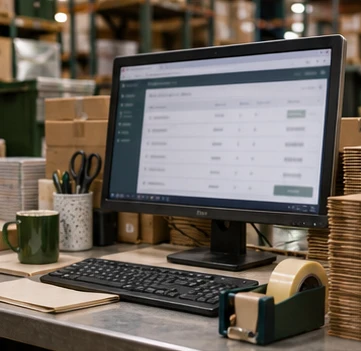
A usable warehouse order identifies the sellable item, quantity, destination and any special packing instruction. We check how your sales channel represents bundles, discounts that include a free item, and variants such as a signed edition before those orders reach the bench.
A successful import is only half the workflow. We agree where the dispatch reference goes, how an order is marked complete and who investigates a failed update. An anonymised test order lets both teams check those steps before customer orders begin.
Use a distinct SKU for each sellable variant. Define units per pack and record any separate bundle components.
Agree the format and timing for incoming orders. Decide how cancellations and address changes reach the packing team before labels are produced.
Identify the system that owns stock quantities and the system that holds dispatch references. Agree which updates need manual review and who handles exceptions.
Provide the names of the platforms and apps you use. We review your store and courier connections, then test order import, SKU matching and tracking updates before launch.
Connect your ecommerce store to Vision Media and each order arrives with the details our team needs to pick and pack it.
We check your Shopify or WooCommerce order feed against the warehouse stock list, then test how the dispatch update returns to your store.
As customers check out, their order lines, quantities and delivery details flow directly into our system. Your team can put the manual order spreadsheet aside.
We start picking and packing incoming orders the same working day, according to the cut-off agreed for your store.